

If you’re into arts and crafts, you might enjoy having a machine that turns your creative ideas into something tangible. From making stickers and personalized shirts to designing greeting cards, home decor, and custom gifts, Cricut opens up plenty of possibilities for DIY projects.
This guide explores the latest Cricut machines, their features, and what users say about them to help you decide which one suits your crafting needs.
What is Cricut?
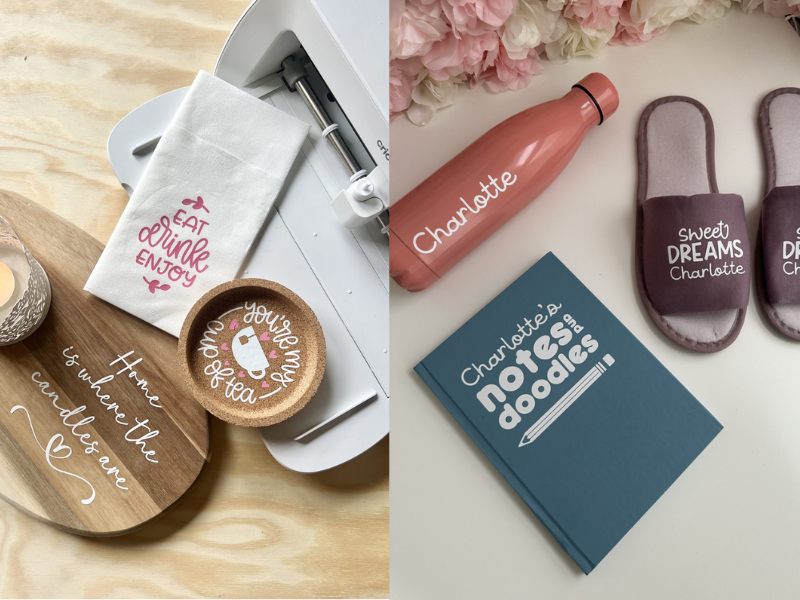
Cricut is a smart cutting machine that helps crafters create designs and personalize items using a wide range of materials, including vinyl, cardstock, iron-on, fabric, leather, and more. It can cut intricate shapes, letters, and patterns with precision, making it useful for projects that require detailed designs or consistent results.
Beyond cutting, Cricut machines can also draw, write, score, engrave, deboss, and add foil effects using compatible tools and materials. These capabilities make them useful for different crafting techniques, from paper-based projects and vinyl designs to custom apparel and more detailed handmade creations.
Different Cricut models support different materials, tools, and functions, so the projects you can make depend on the machine you choose.
Different Cricut Machines
Cricut offers machines for different crafting needs, from compact cutters to larger models with more material and tool options. Choosing the best Cricut machine to buy depends on your projects and the features you need.
Here’s a look at each model’s capabilities, along with user reviews to help you compare their features and performance.
Cricut Joy 2
- Dimensions: 9.1 × 5.4 × 2.8 in (23.1 × 13.7 × 7.1 cm)
- Weight: 2.7 lbs (1.2 kg)
- Materials: 75+ materials
- Max cut size (large mat): 4.2 × 11.7 in (10.6 × 29.7 cm)
- Max cut size (Smart Materials): 4.5 in × 48 in (11.4 × 121.9 cm)
- Cut speed: 5.3 IPS
- Price: $99
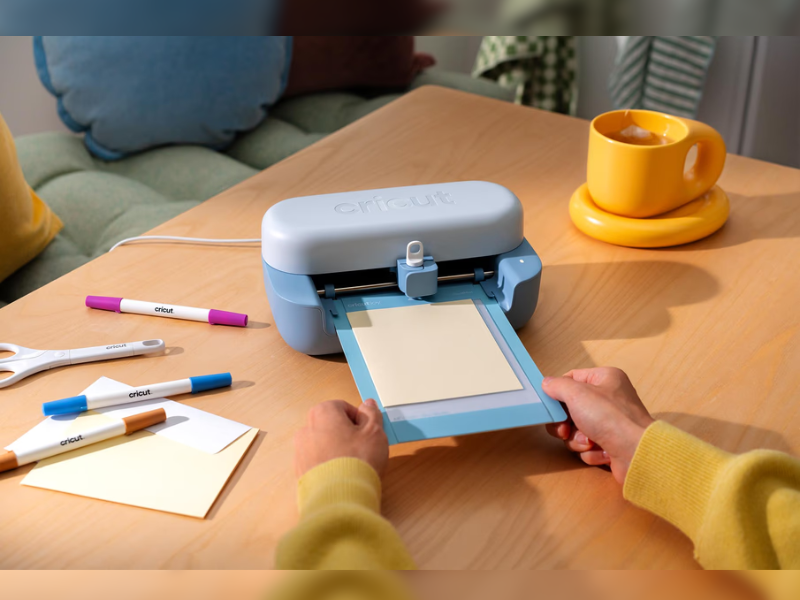
Cricut Joy 2 is a compact cutting machine for everyday crafts like custom cards, labels, decals, and stickers. It works with over 75 materials and supports cutting, writing, drawing, foiling, and scoring. It also works with a home inkjet printer to create full-color stickers, decals, and other designs. Its small footprint makes it easy to use and store, even in limited spaces.
Source: Cricut
What Users Say
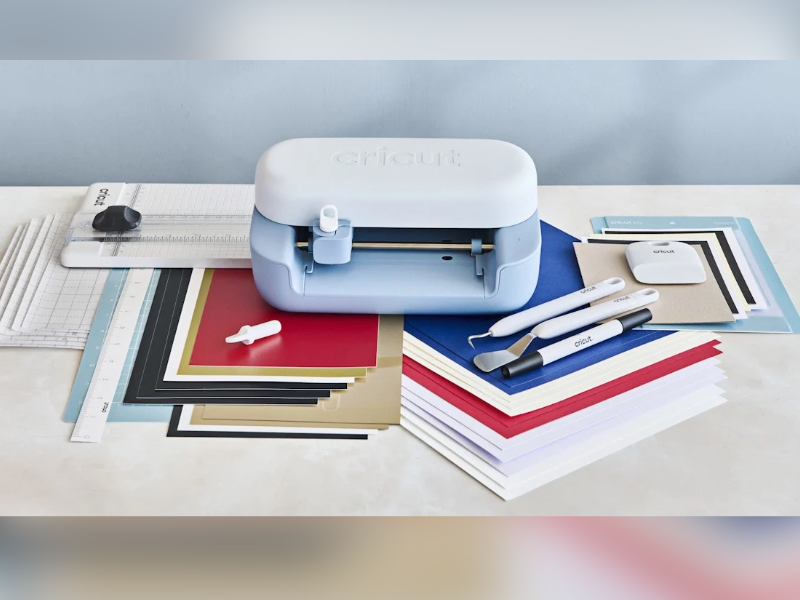
A review by M Freitas from Geekzone highlights Cricut Joy 2’s ease of use, completing a birthday card in under 10 minutes. The reviewer also appreciates its compact size, quick setup, and ability to handle projects ranging from simple cards to more intricate designs. However, the smaller cutting area limits the size of materials it can handle, and it lacks some advanced crafting capabilities, such as engraving and debossing.
Cricut Joy Xtra
- Dimensions: 12.5 × 6 × 5.5 in (31.7 × 15.2 × 13.9 cm)
- Weight: 6 lbs (2.7 kg)
- Max cut size (mat): 8.2 × 11.7 in (20.8 × 29.7 cm)
- Max cut size (Smart Materials): 8.5 in × 4 ft (21.6 cm × 1.2 m)
- Cut speed: 5.65 IPS
- Price: $129
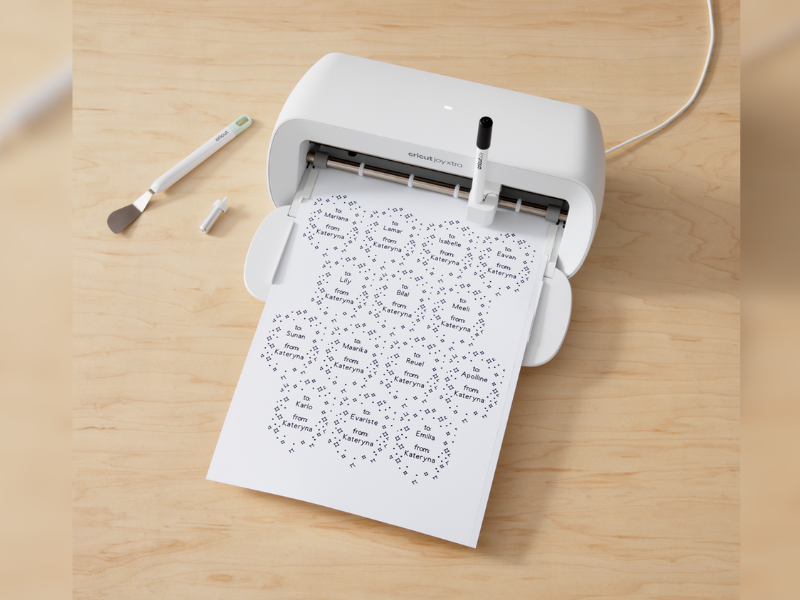
Cricut Joy Xtra offers a wider cutting area than Joy 2, giving you more room for designs like custom T-shirts, larger vinyl decals, and full-color stickers. It works with over 50 materials, including vinyl, iron-on, and cardstock, and can cut, write, draw, and foil. It also works with a home inkjet printer to create full-color designs, making it a versatile option for personalized crafts while still being compact enough for smaller spaces.
Source: Cricut
What Users Say
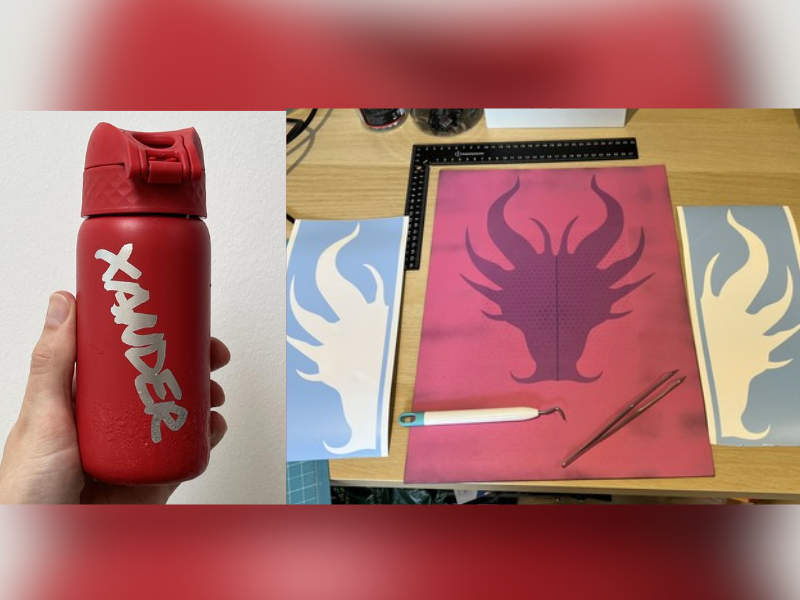
A review by Gadgetoid highlights Cricut Joy Xtra’s speed, reliability, and versatility, noting how it made custom stencil projects and vinyl decals easier to create. The reviewer was particularly impressed by the finished designs, including a personalized water bottle decal that held up to daily use and washing. However, they found Cricut Design Space restrictive and noted that working with external design software required extra steps.
Cricut Explore 5
- Dimensions: 19.8 × 7.5 × 4.7 in (50.2 × 19.05 × 11.9 cm)
- Weight: 10 lbs (4.5 kg)
- Max cut size (large mat): 11.5 × 23.5 in (29.2 × 59.6 cm)
- Max cut size (Smart Materials): 12 in × 12 ft (30.5 cm × 3.6 m)
- Cut speed: 14.1 IPS
- Price: $199
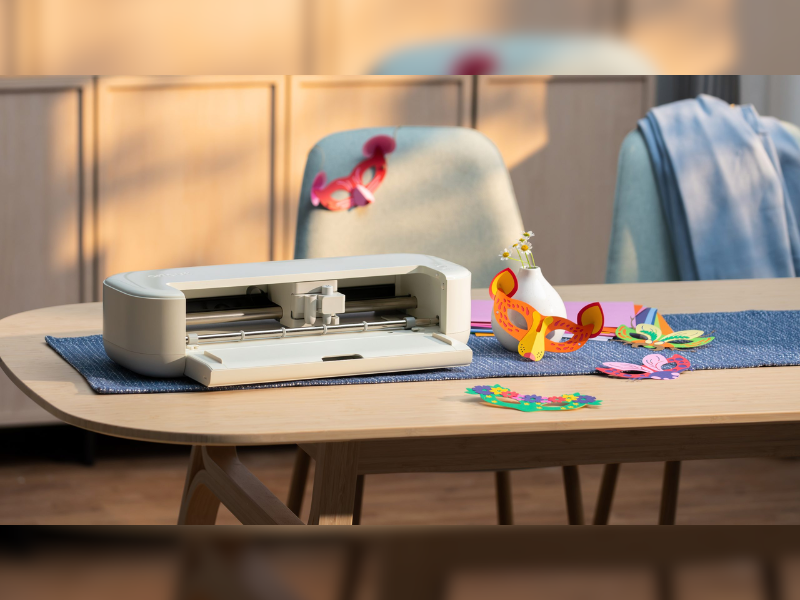
Cricut Explore 5 is a 12-inch cutting machine for a wider range of crafting projects, from personalized apparel and decals to cards and full-color stickers. It works with over 100 materials, including vinyl, iron-on, cardstock, and printable materials, and supports cutting, writing, drawing, foiling, and scoring. Its wider cutting area also makes it easier to create larger designs or multiple items in one go, making it a practical choice for crafters who want more flexibility in their projects.
Source: Cricut
What Users Say
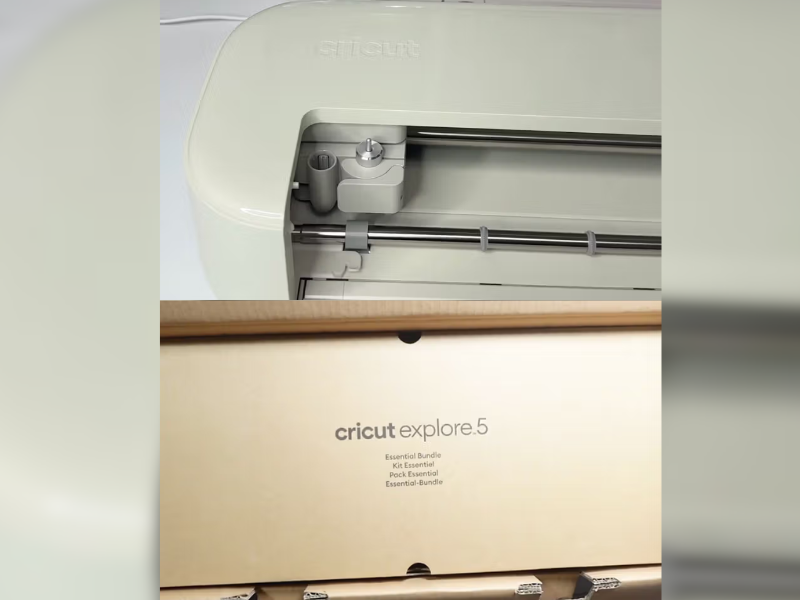
A review by Marnie Hofstadt from Vinyl Cutting Machines describes Cricut Explore 5 as a compact, beginner-friendly cutting machine that offers good value for its price. The reviewer appreciates its smaller footprint, improved design, and expanded material capabilities with the Deep Cutting Tool. However, they note that the single-clamp system requires tool swapping for scoring and cutting projects, while some older Cricut tools may need adapters to work with the machine.
Cricut Maker 5
- Dimensions: 19.8 × 7.5 × 4.7 in (50.2 × 19.05 × 11.9 cm)
- Weight: 10.9 lbs (4.94 kg)
- Max cut size (large mat): 11.5 × 23.75 in (29.2 × 60.3 cm)
- Max cut size (Smart Materials): 12 in × 12 ft (30.5 cm × 3.6 m)
- Cut speed: 14.1 IPS
- Price: $349
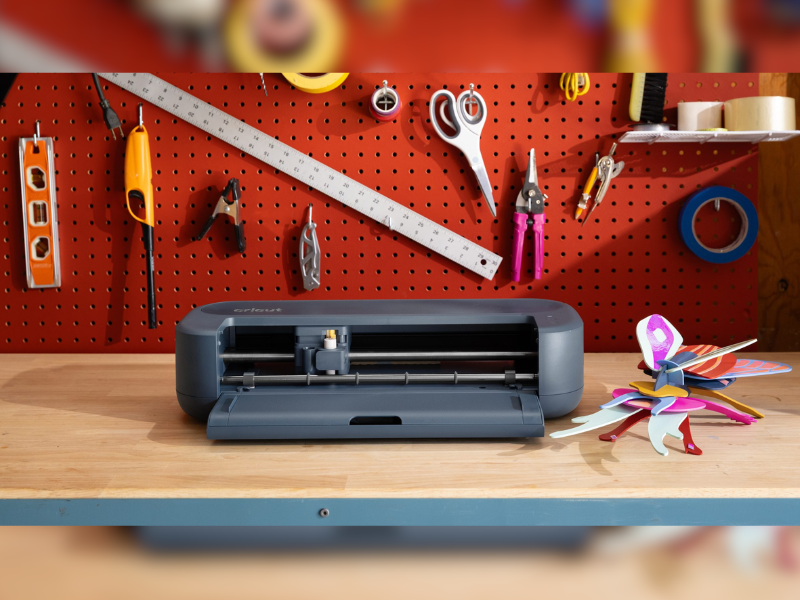
Cricut Maker 5 is the most versatile machine in the lineup, working with over 300 materials, including fabric, leather, and foam board. It can cut compatible thicker materials up to 3 mm and handle specialty techniques like engraving metal and debossing leather using compatible tools. Whether you’re making personalized apparel, fabric appliques, signs, or more intricate crafts, it gives you the flexibility to explore projects beyond basic paper and vinyl cutting.
Source: Cricut
What Users Say
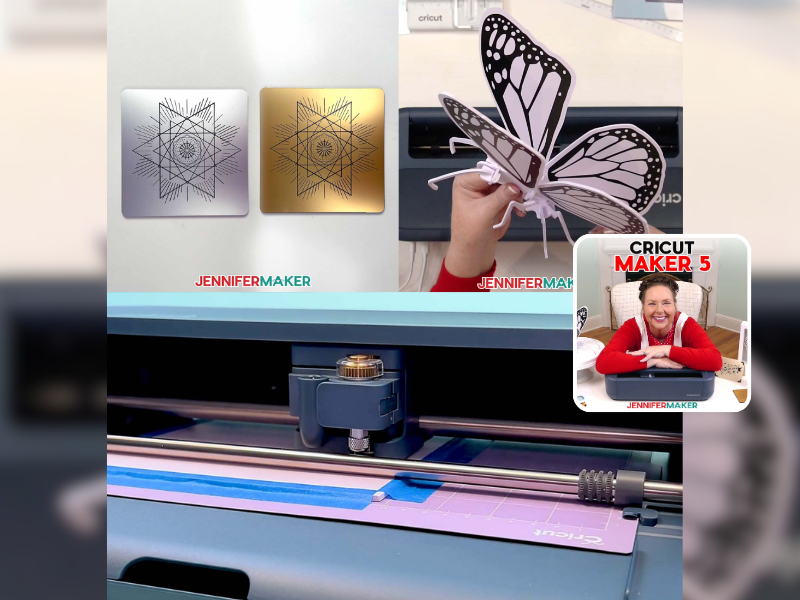
A review by Jennifer Maker highlights Cricut Maker 5’s versatility, compact design, and ability to handle thicker materials. The reviewer was impressed by its cutting and engraving results, particularly when working with 3mm foam core and acrylic blanks. However, they found the new scoring and drawing workflows less convenient, as projects require tool changes between steps. They also note that Maker 4 owners may not have enough reason to upgrade unless they need the added material clearance or smaller footprint.
Cricut Venture
- Dimensions: 8.81 × 34.82 × 10.4 in (22.38 × 88.4 × 26.41 cm)
- Weight: 34.7 lbs (17.1 kg)
- Max material load: 25 in × 150 ft (63.5 cm × 45.7 m)
- Max width: 24 in (63.5 cm)
- Max cut speed: 25.4 in/s (64.5 cm/s)
- Max force: 400 gf
- Software resolution: 0.025 mm
- Repetition accuracy: ± 0.1 mm⁵
- Minimum line width: 0.5 mm
- Price: $499
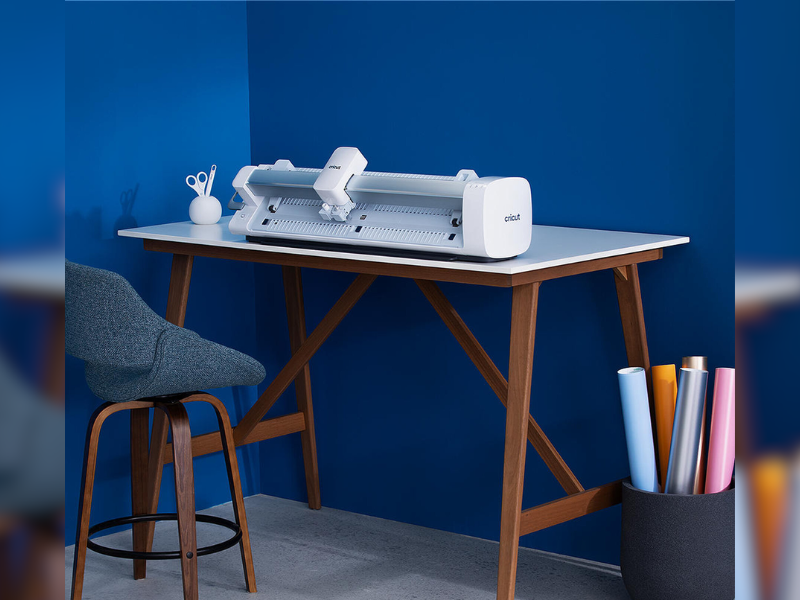
Cricut Venture is a wide-format professional cutting machine built for larger projects and higher-volume crafting. It works with over 100 materials and cuts at speeds of up to 25.4 inches per second, handling designs up to 12 feet long or repeated designs up to 75 feet. It can also write, foil, score, and create full-color designs, making it suitable for large decals, apparel, signage, and projects that require multiple pieces.
Source: Cricut
What Users Say
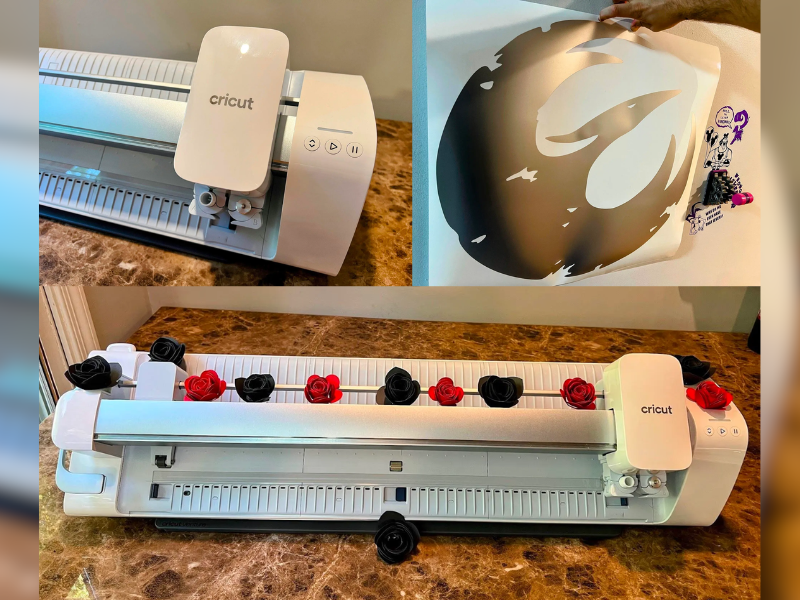
A review by Russell Holly from CNET highlights Cricut Venture’s large cutting capacity, stability features, and familiar software, making it suitable for larger projects and small-business production. The reviewer appreciates its cutting accuracy, ease of use, and ability to handle large designs and batch projects efficiently. However, they note that third-party materials have limitations when used with Cricut’s cutting mats, and the machine’s size and price may not suit every crafter.
Frequently Asked Questions (FAQs)
What can you make with a Cricut machine?
Cricut machines can cut designs for stickers, cards, labels, decals, personalized apparel, home decor, and other crafts. Using Cricut Design Space, you can prepare designs for cutting, drawing, writing, scoring, engraving, debossing, and foil effects, depending on your machine and compatible tools.
Can Cricut machines cut fabric?
Yes. Compatible Cricut machines can cut fabric using the appropriate tools and materials. Cricut Maker 5 supports fabric-cutting projects, including those using a compatible Rotary Blade.
Can Cricut machines make full-color stickers?
Yes. Compatible Cricut machines support Print Then Cut, which lets users print designs using a compatible home inkjet printer and cut around them with the machine.
What is Cricut Design Space?
Cricut Design Space is the software used to create, customize, and prepare projects for Cricut machines. It lets users work with text, shapes, images, ready-made projects, and uploaded designs before sending them to their machine.
Bring Your DIY Ideas to Life With Cricut
Whether you’re making personalized gifts, custom apparel, or creative home decor, Cricut machines give you more ways to bring your ideas to life. Explore Cricut machines on Shopee Mall and shop for authentic products with vouchers, free shipping discounts, and exclusive deals.